

The decision on every job is which photos to take, not whether to take any. Shoot everything and the one picture that matters is lost among forty of the same radiator; shoot too little and you can't show what was under the floor, what was already broken or why the bill went up. The photos to take on a job are the ones that answer a question someone will ask later, whether that's the customer, the office, a manufacturer or the next engineer.
Below is a checklist to print or copy, the photos that protect you at arrival, during the work and at handover, the photos each trade misses, what to do if you find something you think is asbestos, how to caption and file photos so they turn up when needed, and how to treat customer photos and social media posts. It's written for plumbers, heating engineers, electricians, builders, joiners and roofers who work in people's homes. For the whole routine of recording a job on site, see the guide to recording trade jobs on site.
Which photos are worth taking on every job?
Five kinds earn their place on almost every job: the work area before you start, damage that was already there, work that is about to be covered, the labels and data plates of what you fit, and the finished job. Add a photo of the reason for any extra, and of anything you think may be unsafe.
Each of those answers a question that comes up weeks or months later. Was that crack in the tile there before you arrived? What's under the screed now? Which boiler model went in, and what's its serial number? Why did the price go up by £180? Was the hallway left clean?
A photo that doesn't answer a question like that is clutter. It fills the phone, slows down the office when they look for the useful one and, if it shows the customer's family or belongings, holds personal details you didn't need. So decide the question first, then take the one or two photos that answer it.
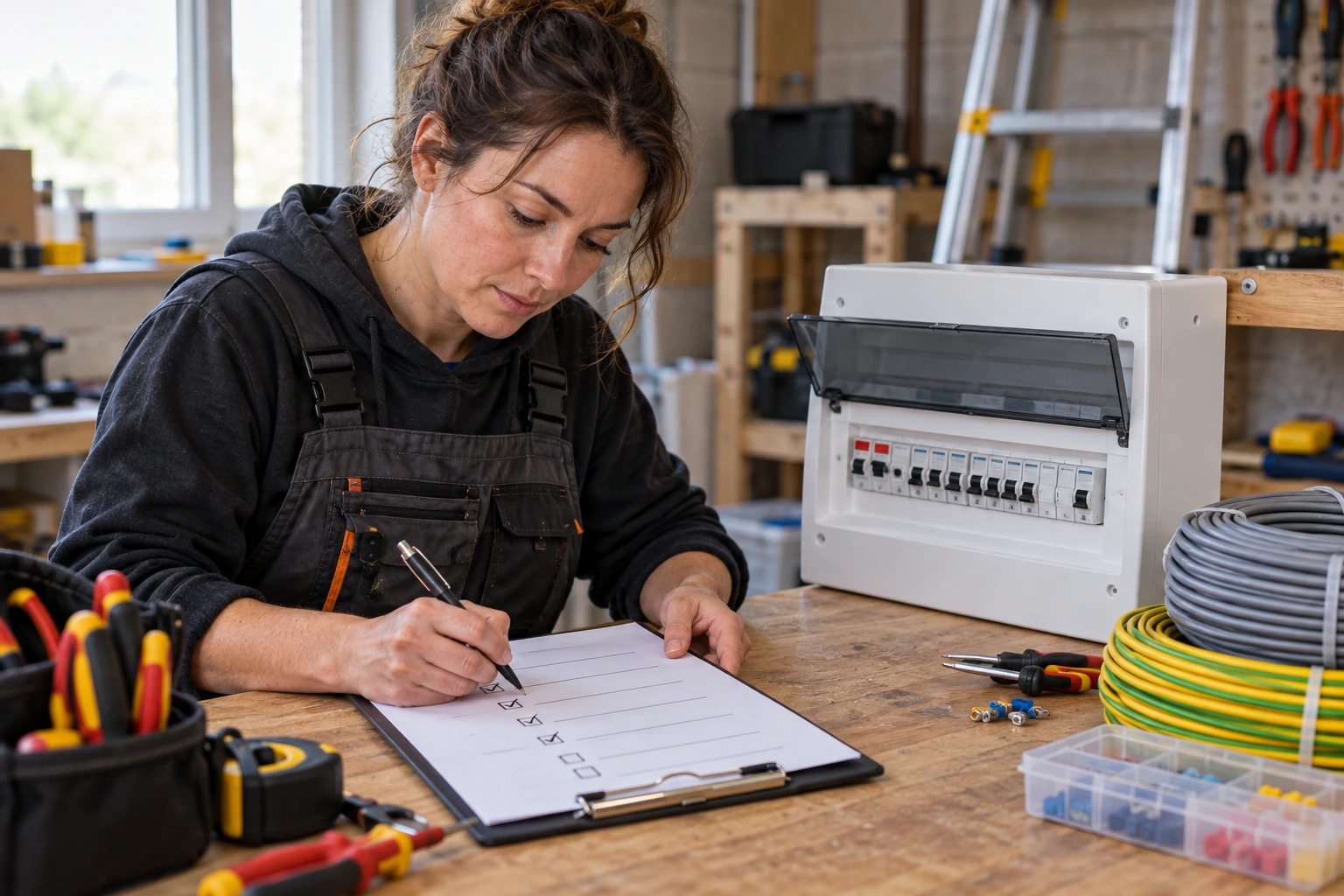
Your job photo checklist
Use one checklist per job. Tick each photo as you take it, and write "n/a" next to anything that doesn't apply, so the office can tell a skipped photo from a forgotten one.
The list is deliberately short. A typical domestic job needs about fifteen photos; a bigger job just repeats the "during" section for each stage. If your job sheet already has a photos box, staple the checklist to it or paste these lines into your app's job form.
Arrival photos that protect you from old damage
The first photos are taken before a tool comes out of the bag. Take a wide photo of the room or area you'll work in, then go close on anything already damaged: a cracked tile, a stained ceiling, a chipped worktop, a loose floorboard, a scuffed skirting in the hall. If the customer is there, point it out and say you're photographing it. Most people are glad you noticed.

Photograph the access route too. Stairs, hall carpets and door frames are where ladders, cylinders and toolbags leave marks, and they are where customers look when they check you've gone. A photo of the hall carpet at 8am settles a complaint about a mark on it at 5pm.
Take the item you're replacing before you touch it. The old boiler, the old consumer unit or the old window shows what was there, how it was fitted and what condition it was in. If a customer later says the old one "was working fine", a photo of a corroded flue or scorched cable answers it without an argument.
Hidden work before it is covered
This is the photo you can't take later. Once boards, plasterboard, insulation, screed or tiles go back, the only way to show what's underneath is to take it all up again. Photograph every pipe run, cable route, joint, clip and fixing before it's covered, and take a second photo from further back so the position in the room is clear.
Go close enough to read what matters. For pipework, that's the joints, the clips and the lagging. For cables, it's the route, the depth and any protection or support. For structural work, it's the fixings, the bearings and the timber or steel sizes. Include a tape measure in the frame when distance from a wall or a floor matters, because a measurement in a photo is far easier to trust than a note.
If you test before covering up, photograph the result where a gauge or meter shows it. A pressure gauge holding steady under a bathroom floor, with the joints in view, is better evidence than a tick on a form.
Data plates, labels and the reason for extras
Photograph the data plate or serial label of each item you fit: boiler, cylinder, pump, consumer unit, fan, appliance, window or door. Get close enough that the model and serial number can be read in the photo. The office uses them to register warranties and order parts, and the next engineer uses them to find the manual. Photograph the old item's plate as well if it's being removed, because the model and age often explain why it failed.
Then photograph the reason for every extra before you fix it. The corroded section of pipe, the rotten joist, the missing earth bonding or the cracked flue is the evidence for asking the customer to pay more, and the customer usually wants to see it. Send the photo with the price and wait for a yes. Our variation form template for trade jobs shows how to word the extra and record the approval; the photo goes with the form.
Last, take the finished job, wide and close, and the area left clean. It's the photo the office attaches if a customer disputes the invoice for the job, and it's the one you might later want for your website, with permission.
Photos each trade misses most often
Every trade has one or two photos that would have saved an argument, a callback or a warranty claim. These are the ones most often missing from job records.
| Trade | Photo most often missed | Why it matters later |
|---|---|---|
| Plumbing and heating | Joints under the floor with the pressure gauge in view | Shows the pipework was tested before the boards went back |
| Gas | Flue route and terminal position, inside and out | Answers questions about clearances once the boxing-in is done |
| Electrical | Cable routes in walls before plastering, and the old board's labels | Shows where cables run, and what the old circuits were |
| Building | Foundations, damp course and insulation before they're covered | The parts an inspector or a buyer's surveyor can't see later |
| Joinery | Fixings and packers behind a frame or a staircase | Explains movement or gaps that appear months later |
| Roofing | Each layer: deck, membrane, battens, flashing | Shows the roof was built in the right order under the tiles |
If your firm covers more than one trade, add the photo for each to the "during" lines on your checklist. Ask your engineers which photo they've most wished they'd taken; their answers are usually the best additions.
Suspected asbestos: stop work, then record it
On older properties you'll sometimes uncover a board, a pipe lagging, a textured coating or floor tiles that might contain asbestos. The HSE's guidance for workers is clear about what comes first: if you come across any material you think may contain asbestos, stop work and speak to your employer or the building owner to find out if there's asbestos in the building. The same guidance says that if in doubt, assume the work is licensed and stop until you're told otherwise.
The photo comes after you've stopped, and only from where you are. Don't touch, scrape, lift or break anything to get a better photo. Take a wide photo showing where the material is in the room and a closer one of the material itself, then note the time and who you told. That record is what the office sends to the customer or the building owner when you explain why the job has paused.
In Northern Ireland, HSENI's asbestos guidance gives the same instruction: stop, and talk to your employer or the building owner, if you're suspicious that something may be asbestos. This section is about recording what you found, not about working with asbestos. For that, use the HSE or HSENI guidance and a licensed contractor where the work needs one.
Caption every photo and file it by job
A photo in an engineer's camera roll isn't a job record. The office can't see it, it's mixed up with family photos, and it leaves the business when the engineer does. Save every job photo to the job itself, in your job app or a shared business folder named by job reference, before the end of the day. If you're choosing an app, check it saves photos and captions against the job, not just in a gallery; the guide to choosing job management software covers what to test.
Then caption the ones that aren't obvious. A caption that works has four parts, always in the same order: the job reference, where in the property, what it shows, and the stage. "J-2291, bathroom floor by WC, 15mm flow and return joints, before boards refitted" tells anyone who opens it exactly what they're looking at. "Pipes" tells them nothing.
Many phones store the date, time and sometimes the location inside each photo file, depending on the camera settings. That's useful in a dispute, because it can show when the photo was taken, so check your phone's settings and keep the original file in the job record rather than a screenshot or a copy sent through a messaging app, which may not keep that information. The same location data is a reason to be careful when sharing: a photo sent to a supplier or posted online can carry the customer's address with it.
Once a week, someone in the office should open last week's finished jobs and check each one has its photos. A job with no "before" or no hidden-work photo is easier to fix with a phone call to the engineer the next day than a year later. Our job sheet template for trade visits covers how long to keep job records, photos included, and what to delete from them.

Customer photos are personal data
Job photos are more than pictures of pipes. The ICO's guide to what personal information is explains that personal data is information that relates to an identified or identifiable individual, and that it must concern the person in some way. A photo of a customer's face is plainly theirs. A photo of the inside of their home, saved under their name and address, is likely to count too, because it's filed to tell you about their property and their job. Photos customers send you on WhatsApp count too; our guide to WhatsApp Business for trades covers keeping them safe.
That doesn't stop you taking photos. It means taking the ones you need and keeping them safe:
- Frame the photo on the work. Leave out faces, children, family photos, post on the side and anything else personal.
- Keep job photos in a business account or job app, not a family cloud backup.
- If you send a photo to a supplier or manufacturer, crop it to the part that matters and leave out the address.
- Delete the extra photos once the right ones are filed.
This applies across the UK: England, Scotland, Wales and Northern Ireland. The ICO says that because of the Data (Use and Access) Act it has started work on new guidance and withdrawn some planned guidance, so check the current version of any ICO page before you rely on it. This is not legal advice. It summarises the ICO and HSE guidance linked in this guide.
Asking before a photo goes on social media
Taking a photo for the job record and posting it on your website or social media are two different uses. Permission for one isn't permission for the other. Before a finished kitchen, bathroom or roof goes online, ask the customer separately, in writing, and keep the reply with the job.
If you rely on the customer's consent, the ICO's guidance on what valid consent is sets the standard. It must be freely given, specific, informed and an unambiguous indication of their wishes. It must cover who you are, why you want the photos and what you'll do with them, and tell the customer they can withdraw it at any time. Silence, pre-ticked boxes or inactivity don't count. Don't make the job depend on a yes.
Post only what you asked about. Leave out the house number, the street, the car on the drive and the view from the window, so the post doesn't show where the customer lives. If they withdraw permission, take the photos down. The wording below is a starting point; change the bracketed parts to suit your firm.
Keep the reply, the date and the photos you posted in the job record. If someone asks later why their kitchen is on your page, the answer is in one place.
Illustrative example: a leak under a bathroom floor
This is an invented example to show the checklist in use. The firm, the customer and the figures are made up.
Illustrative example: photos from a leak repair under a bathroom floor
Job: J-2291, leak through kitchen ceiling below bathroom; terraced house, 1930s; customer at home
Before: wide photo of bathroom; stained kitchen ceiling; cracked tile by WC, already there, shown to customer
Found: weeping compression joint on 15mm flow pipe under floor by WC; old lead section beyond it
Extra: replace 1.2m of lead pipe with copper; photo of lead section sent with price of £180; customer replied YES at 11.05am
Hidden work: new joints and clips, before boards refitted; gauge holding steady with joints in view
Labels: none fitted; n/a
Finished: floor relaid, bathroom and stairs clean; kitchen ceiling left for decorator, photographed
Filed: 14 photos saved to J-2291 by 5.30pm, captioned; 9 extra photos deleted from engineer's phone
Not taken: inside of ceiling void from below; no access without cutting the ceiling
Three weeks later the customer rang to say the cracked tile by the WC was new. The office opened J-2291, sent the arrival photo showing the crack, and the call ended there. The £180 extra was paid with the invoice, because the photo of the lead section and the YES were both on the job.
Without the list, the engineer would probably have photographed the new joints and the finished floor and not much else. That's the job looking good, not the job being explained.
Put the checklist in every engineer's van
Print a pad of checklists, or paste the lines into your job app's form, and give one to every engineer. Agree the caption order and where photos are saved, then check last week's jobs on Friday. Add the photo your trade misses most to the "during" lines, and ask every customer before a photo goes online.
Check your app files photos by job, then walk the snags
Free tool
Trade business software checklist: know what you need before you book a demo
Check a job app saves photos against the job, with captions, not just in a gallery.
Read next
Snagging list template: walk the finished job, list every fault and get it signed off
The before and after pair for every fault on a finished job, signed off with the customer.
Sources checked for this guide
Personal data, consent and asbestos points checked against the ICO, the HSE and HSENI. These are the primary sources used in this guide.